
Find and filter the call recordings
Learn how to find call recordings in Dubber by agent, department, recording type, tags, stars and search.
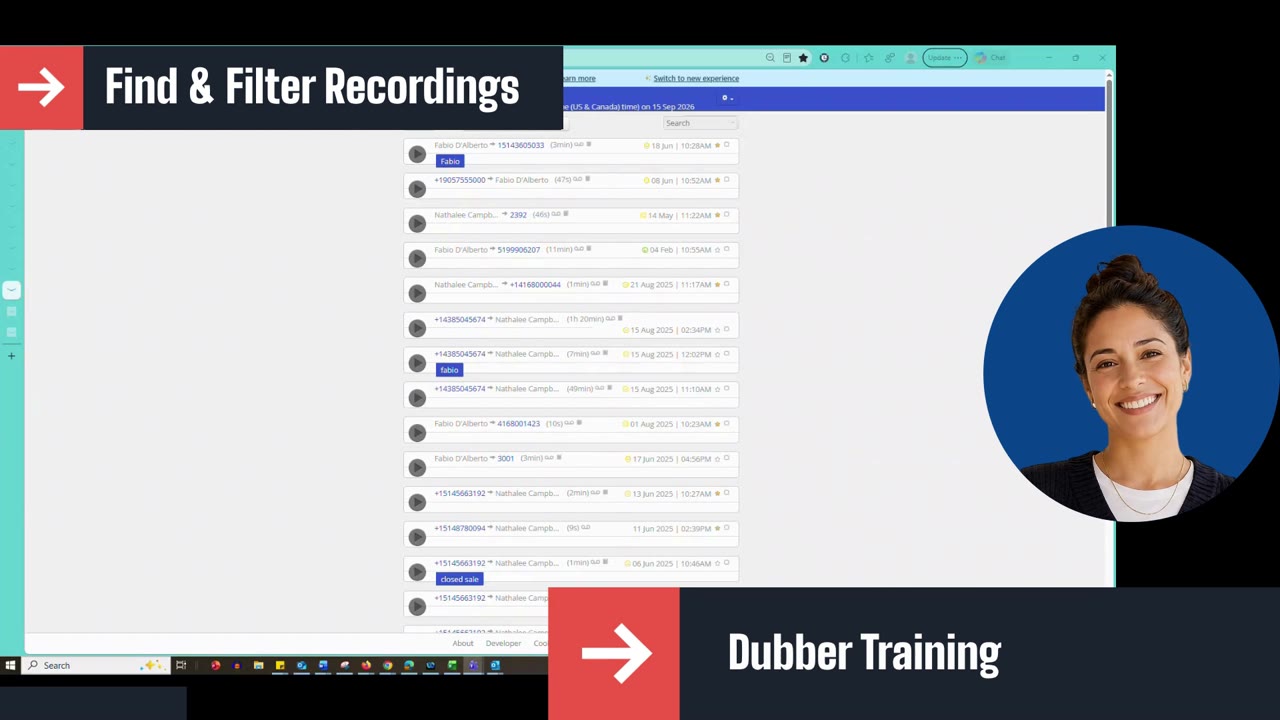
This lesson shows how to find and filter call recordings in Dubber. You will learn how to filter by agent or department (based on your profile), use the filter options to show recordings, messages, meetings, tagged or starred recordings, star a recording, search by customer name or phone number, and return to the default view of all your recordings.
Script: Dubber – Find and Filter the Call Recordings
In this section, we'll learn how to find and filter the call recordings.
In the first drop-down, you'll have access to different fields based on your profile. If the agent or supervisor is in charge of several agents, all of the agents' names are displayed here. If they are in charge of several departments, all of the departments are displayed here. They can pick individuals to listen to or filter their recordings, or filter by a complete department. We'll go with My recordings for this exercise, which gives me all of my recordings.
The other way to filter is on the right-hand side, right after Filter:
- Show recordings – displays all of your recordings (same as My recordings).
- Show messages – displays all available messages.
- Show meetings – displays all of your recorded meetings.
- Show tags – displays the recordings organized with tags. Everything in blue is a tag; click one to display only the recordings with that tag.
- Show starred – displays only the recordings you've marked with a star.
To star a recording, click the small star at the very end of the recording to highlight it. Once your recording is starred, click Starred and only the starred recordings will be displayed.
Your next option is the search bar. Enter the customer's name or telephone number to pull up that specific recording.
To go back to all of your recordings, use the drop-down and select My recordings or All. This returns to the default view, where you see all of your recordings in the order they were received.
Up next
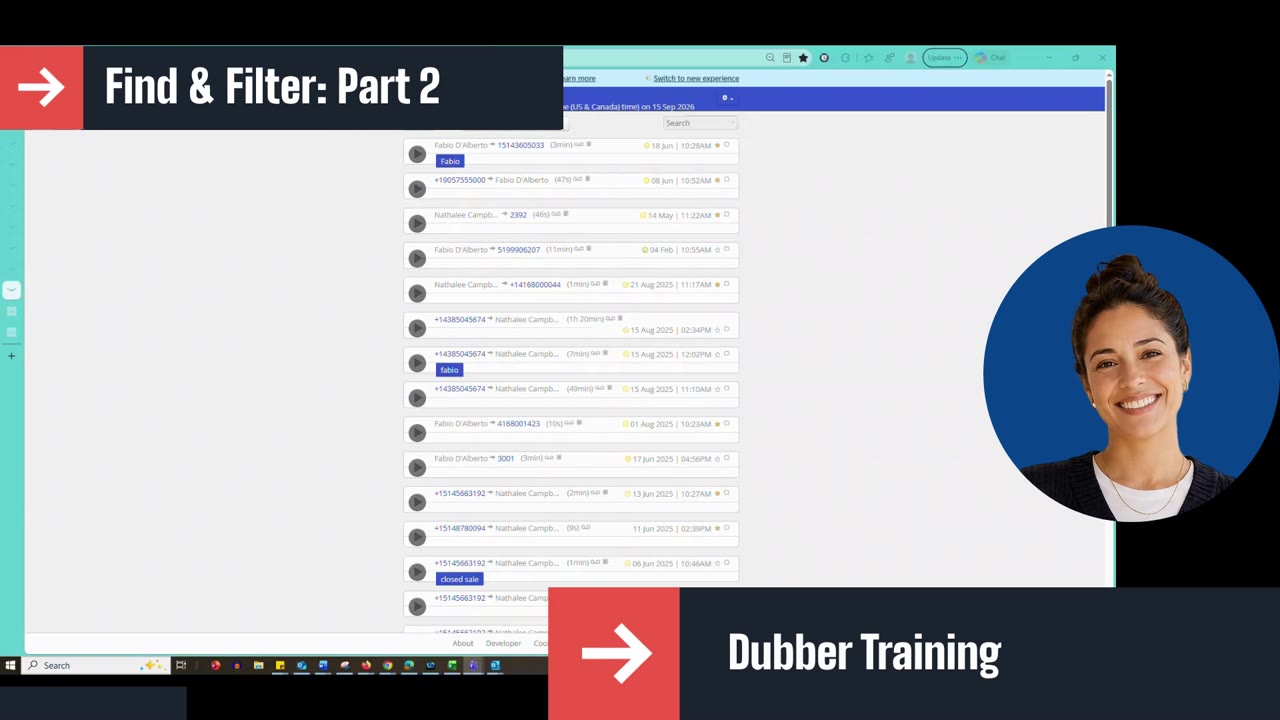
3:11 mins