
How to log in
Learn how to log in to the Dubber call recording portal and reset a forgotten password.
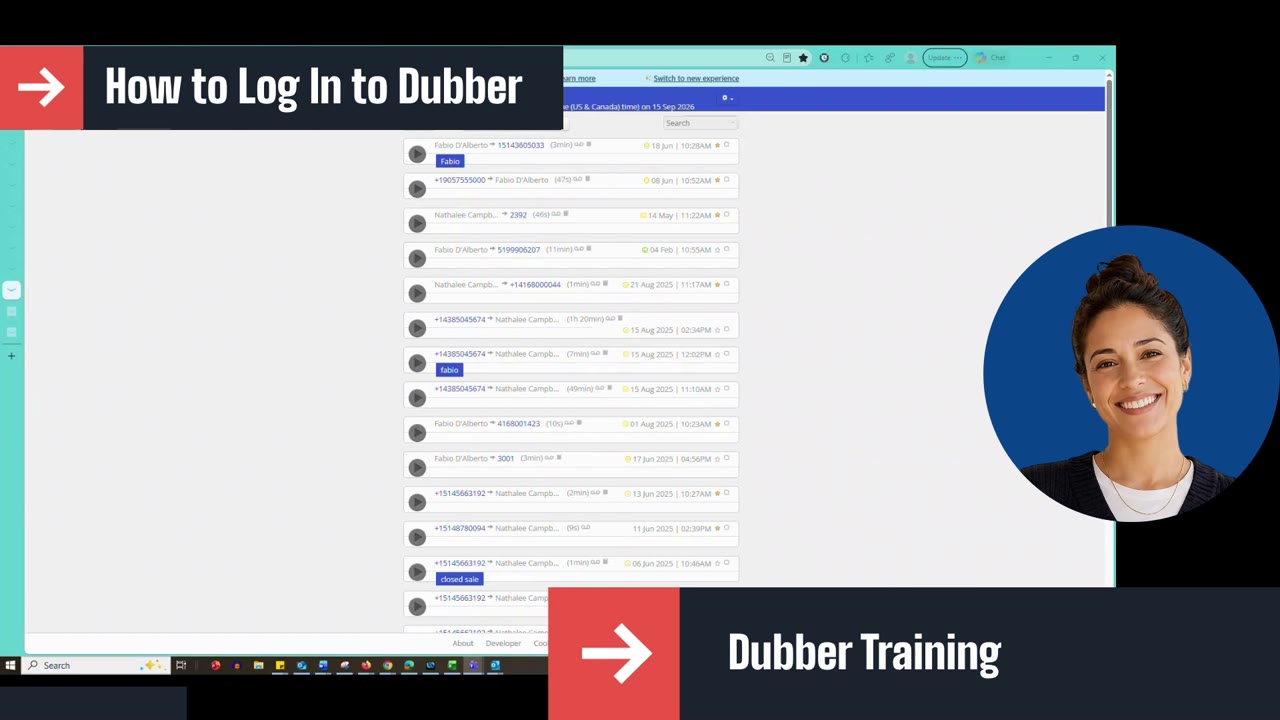
This lesson walks agents through logging in to Dubber: opening the Dubber link provided by your company, entering the email address and password associated with your Dubber account, using Forgotten password to receive a reset email, and clicking Login.
Script: Dubber – How to Log In
Dubber training for agents. In this video, we'll walk through how to log in.
Start by opening the Dubber link that is provided to you by your company. In the email address field, enter the email address that is associated with your Dubber account. Next, enter your password in the password field.
If you've forgotten your password, you can click Forgotten password to get an email sent to this address to reset it. And when you're ready, click Login.
Up next
0:38 mins