
Find and filter the call recordings (part 2)
Learn how to filter Dubber call recordings by date, including a custom date.
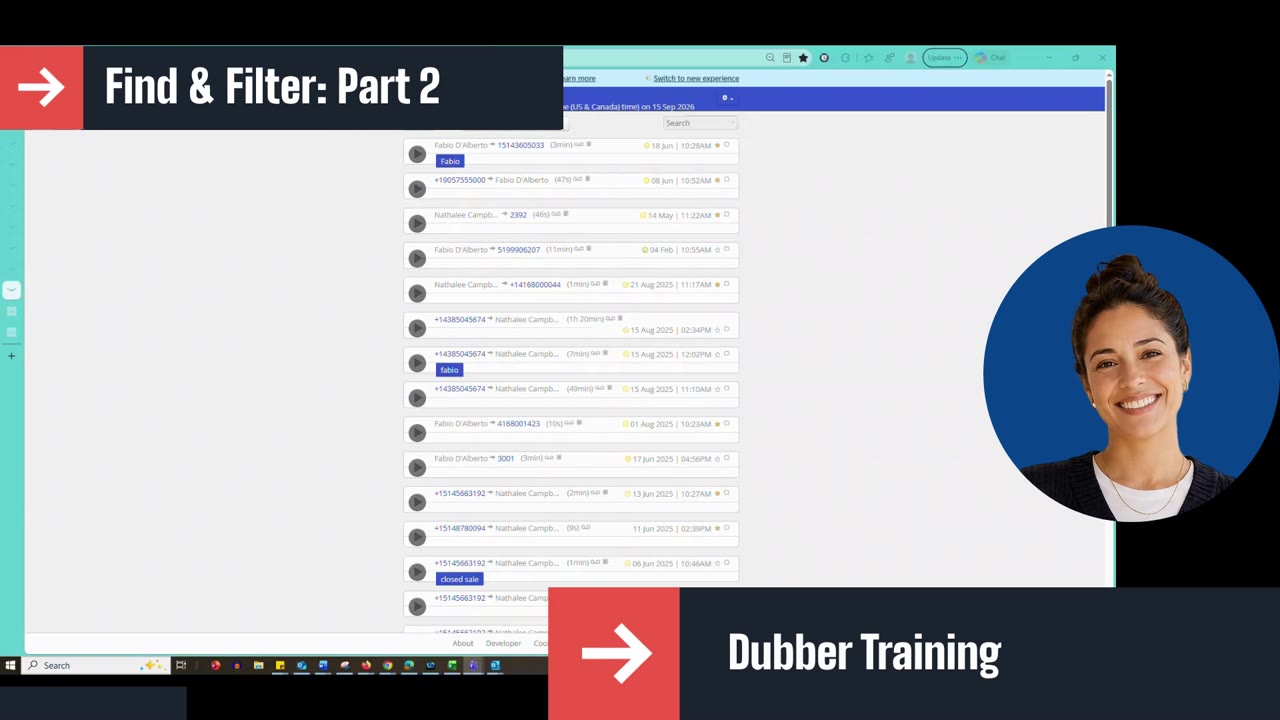
This short follow-up shows how to filter recordings by date in Dubber: today, yesterday, the last 7 or 30 days, this month, last month, or a custom date you pick from the calendar, then apply the filter to show only the calls from that date.
Script: Dubber – Find and Filter the Call Recordings (Part 2)
If you click the small arrow here, you get a few more options to search by date. Go down to Date and click on it.
You can search by today, yesterday, the last seven days, the last 30 days, this month or last month.
You can also do a custom search. Click Custom and pick the specific date you're looking for a recording on. Once your date is selected, click Apply and only the calls for that date will show up.
Up next
0:39 mins